Setting up
Setting up the desk: heights, distances and power
The measurements that make an existing desk work: seat and desk height, screen distance and height, cable slack and how much a single power board can carry.

Almost every uncomfortable desk is a correctly sized desk in the wrong order. The chair gets set to the desk, the screen gets left wherever the stand puts it, and the person adapts to both.
The order below reverses that, and it costs nothing. Everything here is measurement and arithmetic. We have not tested furniture and we give no medical advice; where a figure is an assumption it says so in the same sentence.
Chair first, because it is the only adjustable part of the three
Set the seat so that your feet rest flat on the floor with your thighs level or very slightly sloping down. That position is fixed by your body and the floor, and it does not move afterwards. Everything else in the setup is then measured from it.
Most task chairs have a gas lift with roughly a 100 mm range, commonly somewhere between 420 and 520 mm from the floor to the top of the seat. If your correct height falls outside the chair's range, the chair is the wrong size and no amount of desk adjustment fixes it. That is a 2 minute test you can run before buying.
Once the seat height is fixed, set the backrest so the lumbar support meets the curve of your lower back, then slide the seat pan until there are about two fingers of gap between the front edge and the back of your knee. Lock the tilt upright. Those three settings should not change again.
| Step | What you set | What it fixes |
|---|---|---|
| 1 | Seat height, feet flat on the floor | Everything below the hips |
| 2 | Backrest and seat depth | Whether the backrest is usable at all |
| 3 | Desk height, or a keyboard tray | Shoulder and forearm position |
| 4 | Screen height and distance | Neck angle and how far you lean in |
| 5 | Light direction | How hard the eyes work on the same screen |
Steps 1 and 2 are set once. Steps 3 to 5 are set against them. Doing it in the other order is what produces a desk that needs replacing.
Desk height is a fixed number on most Australian desks
Fixed-height desks in Australia cluster around 720 to 750 mm from the floor to the top surface. That is a single number chosen to suit a range of people, which means it suits very few of them exactly. If the desk is too high for the seat position you fixed in step 1, the forearms rise and the shoulders follow.
There are three fixes and they cost very different amounts. Raising the chair and adding a footrest costs about $40 and takes 5 minutes. A clamp-on keyboard tray costs about $90 and lowers the keyboard 60 to 80 mm below the desk top. A sit-stand frame starts around $400 and solves it properly, but it is a desk purchase rather than a setup change.
If the desk is too low, which is less common, packers under the legs are the cheap answer and they are also the one that changes the desk's stability. Check that the desk still does not rock once they are in, because a 1,400 mm top amplifies a 3 mm wobble at the far corner.
- Fixed desks are typically 720 to 750 mm high, which is one height for every body
- Footrest plus a higher chair: about $40, works immediately, needs floor space in front
- Clamp-on keyboard tray: about $90, drops the keyboard 60 to 80 mm, uses the desk's rear lip
- Sit-stand frame: from about $400, and the same floor footprint as the desk it replaces
- Leg packers to raise a low desk: a few dollars, but recheck for rock before trusting them
Screen distance, screen height and the window
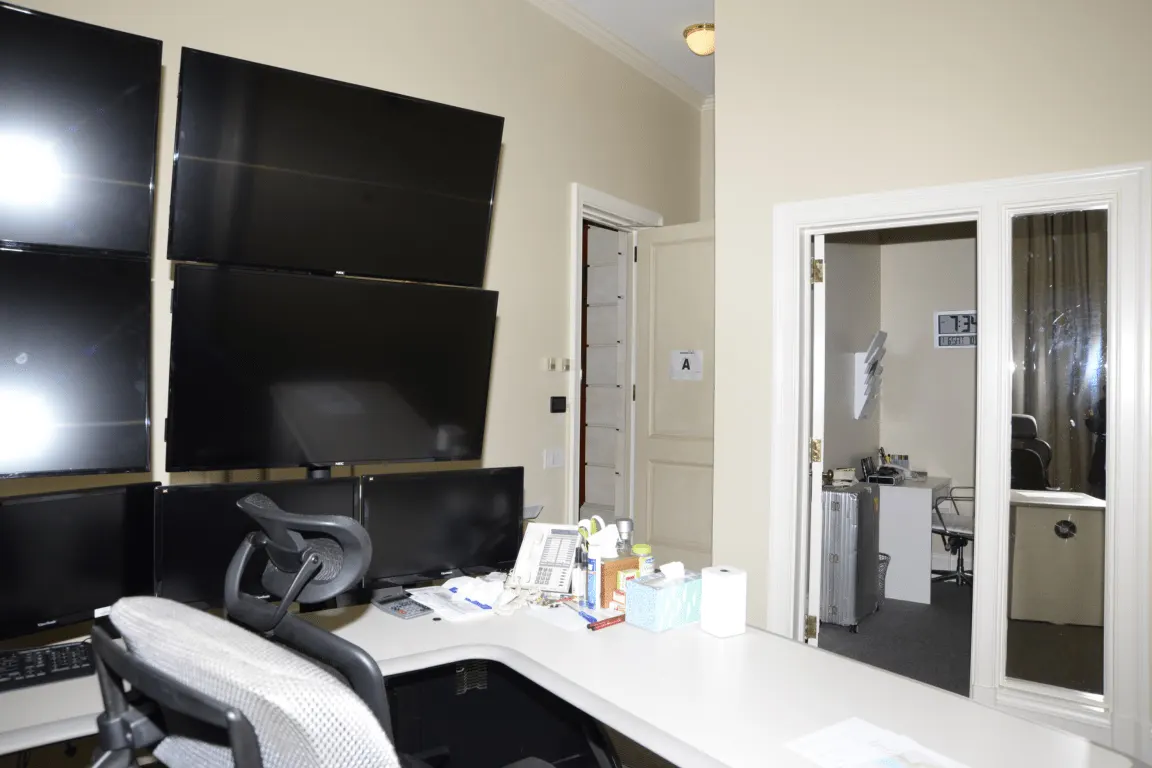
Put the screen at roughly arm's length, which for most people is 500 to 700 mm from the eyes to the panel. A 27-inch screen at 500 mm fills more of the visual field than a 24-inch screen at 700 mm, so distance and size are one decision rather than two. If you find yourself leaning in, the fix is usually text size rather than moving the screen closer.
Set the top of the panel at or just below eye height when you are sitting in the position you fixed in step 1. On a factory stand this often is not possible, which is the practical argument for a monitor arm: an arm costing about $120 gives roughly 300 mm of vertical travel and removes the 200 to 250 mm the stand base was taking off the desk depth.
Light is the last one and it is free. Daylight arriving from one side, running along the desk rather than through it or behind it, avoids both the reflection on the panel and the bright background behind it. Where the room only offers a window straight ahead or straight behind, a blind is cheaper than any monitor upgrade.
| Measurement | Target | How to get there without buying a desk |
|---|---|---|
| Eye to panel distance | 500 to 700 mm, about arm's length | Slide the monitor back; increase text size instead of leaning in |
| Top of panel | At or just below eye height | Remove the stand riser, or fit an arm with about 300 mm of travel |
| Keyboard to front edge | At least 250 mm of clear desk | Move the screen back first; the keyboard moves last |
| Window direction | Daylight from one side, along the desk | Rotate the desk 90 degrees before buying a brighter screen |
These are placement targets, not health claims. They are the geometry that lets you stop adjusting; they are not a substitute for an assessment of a specific injury or condition.
Power, cable slack and the thing behind the desk
Add the rated watts on every plug that will share one power board. A laptop charger at 65 W, a monitor at 25 W, a desk lamp at 9 W and a phone charger at 20 W is 119 W, which is trivial. Add a 1,500 W heater to the same board and it is 1,619 W, which is the point at which the board, not the devices, becomes the thing to read the rating on.
Leave 50 to 80 mm of clearance behind the desk for cable slack and plug bodies. Without it the desk never sits flush to the wall, and the desk depth you measured so carefully becomes a different number once it is installed.
Finally, run the cables once, properly, before you decide the setup is finished. A cable tray or even adhesive clips turn the monitor arm's 300 mm of travel from theoretical into usable, because a screen that drags its own cable will not stay where you put it.
Two background points are worth keeping in view while you do all this. The Australian Bureau of Statistics found that 36% of employed people usually worked from home in August 2025, rising to 59% among managers and professionals, so a desk in a living space is the normal case rather than a specialist one. And Standards Australia publishes the Australian Standards that office furniture and electrical accessories are built and tested to, selling them through its Standards Store under 3, 6 and 12 month licences, which is where a claimed standard number can be looked up.
If an adjustment mechanism or a power accessory fails, the consumer guarantees in the Australian Consumer Law sit underneath any manufacturer warranty, and the Australian Consumer Law site states that those rules protect buyers anywhere in Australia and apply uniformly across every state and territory. That is the reason to keep the receipt and the model number together even for a $90 keyboard tray.
Before you buy
- Set the seat height with your feet flat on the floor, and leave it there
- Check the chair's gas lift range covers your correct height before adjusting anything else
- Measure the desk height; if it exceeds your forearm position, price a footrest and a keyboard tray
- Place the screen at about arm's length with the top of the panel at or just below eye height
- Rotate the desk so daylight arrives from one side rather than ahead or behind
- Add the rated watts on every plug sharing one power board before adding a heater
- Leave 50 to 80 mm behind the desk for plugs and cable slack
Questions readers ask
- Should the monitor be directly in front of the keyboard or offset?
- Directly in front, with the centre of the panel aligned to the centre of the keyboard. An offset screen produces a permanent small rotation of the neck, which is the one position in this guide that is both free to fix and easy to miss. With two screens, put the one you use most in the centre and the second to its side.
- Is a standing desk better if I only stand for part of the day?
- The benefit comes from changing position, not from standing. Two or three changes across 8 hours is what the frame is buying you, and a desk you never raise is a $400 fixed desk. If you would not interrupt your work to change position, a footrest and a well-set chair get more of the benefit for about $40.
- How do I set the desk up if two people of different heights share it?
- Share the desk, not the chair settings. Give each person their own seat height mark on the gas lift column with a piece of tape, and use a monitor arm so the screen moves in seconds rather than requiring a stand swap. A sit-stand frame with memory presets does the same job at roughly ten times the cost.
- Does a laptop stand remove the need for an external keyboard?
- No, and it creates the need for one. Raising the laptop puts the screen at the right height and the built-in keyboard at the wrong one, because on a laptop those two are fixed together. A stand plus a separate keyboard for about $70 total is what makes the arrangement work; the stand alone trades a neck problem for a wrist one.
- How much weight can a clamp-on monitor arm take?
- Arms are rated by screen weight and by screen size, and the two limits are separate. A 27-inch panel is commonly 4 to 7 kg, which most single arms cover, but an ultrawide can exceed the size rating while staying under the weight rating. Both numbers are on the manufacturer's specification sheet, and the desk's own top thickness limit is the third.
Sources
- Australian Bureau of Statistics — Working arrangements, August 2025 (36% of employed people usually worked from home) — checked 2026-11-03
- Standards Australia — how Australian Standards are developed, purchased and licensed — checked 2026-11-03
- Australian Consumer Law — consumer rights and protections overview — checked 2026-11-03
Some links on this site can earn us a commission. That does not change which product a guide recommends, and it adds nothing to your price. Advertising is not enabled on this site yet. When it is, ads will be labelled and kept visually separate from the guides.